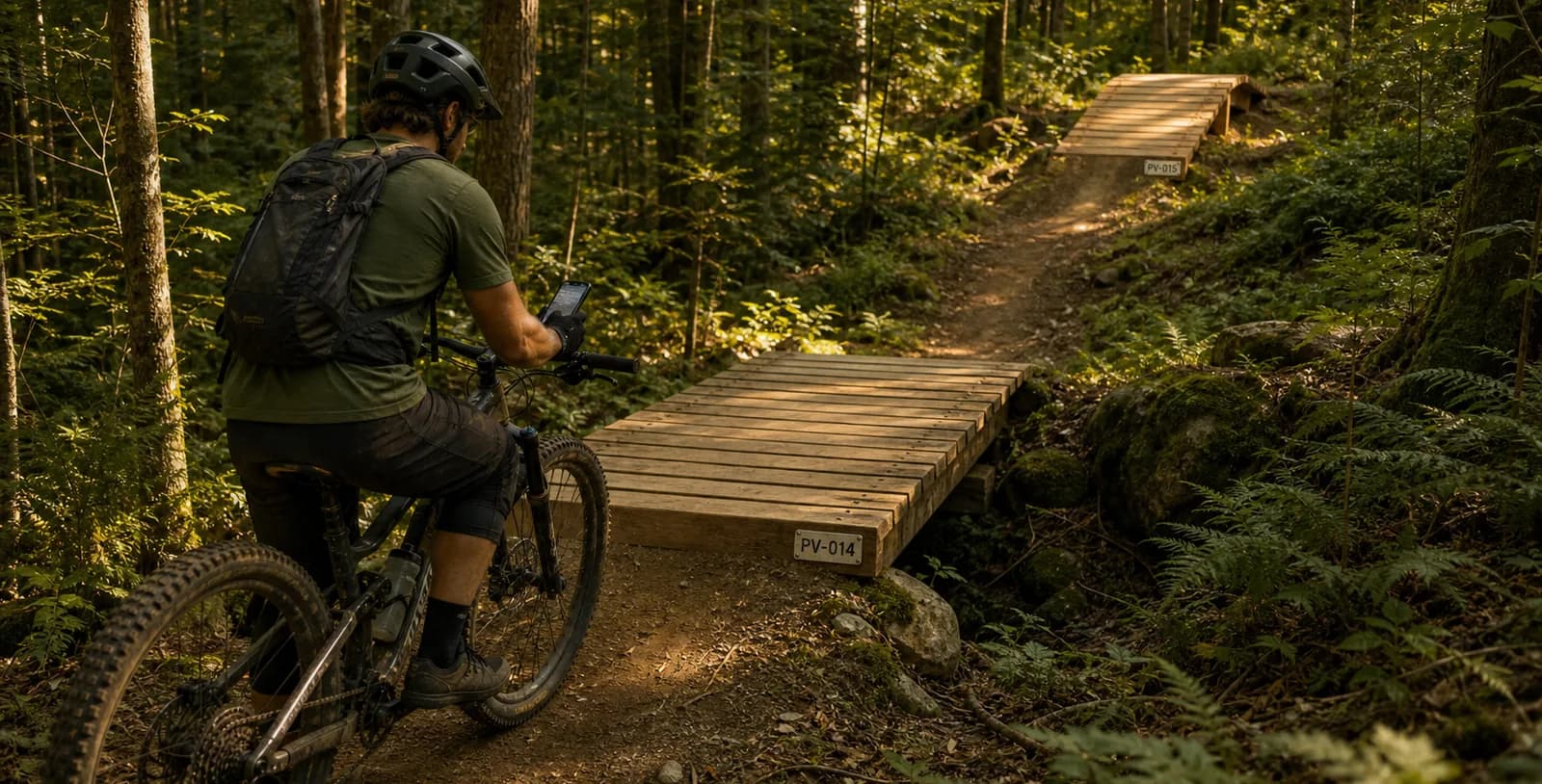
Your structures name themselves
Out in the field, whoever installs the thirtieth marker on a trail shouldn't have to decide what it's called. Until now,
every structure name was typed by hand — with everything that comes with it: PV 12 sitting next to PV-012, skipped
numbers, and duplicates you only discover three months later while preparing an inspection.
Sentinel 2.8.1 brings automatic structure numbering. You describe the shape of the name once, and the app proposes the next one every time you create a structure — at the office as much as in the field, with or without a connection.
One rule per type and per activity — Structure types now have a Numbering tab: a prefix (PV, BRIDGE, DR…),
a separator, and the number of digits. A live preview shows the next three names. A boardwalk for mountain biking and a
boardwalk for hiking stay two independent sequences, with their own prefixes if that's what you want.
One sequence per trail — Numbering restarts at 1 on every trail: the first boardwalk on one trail is PV-001, and
so
is the first boardwalk on the next. Off-trail structures form their own sequence. It matches the way people talk on the
ground — "the second boardwalk on La Coulée", not "boardwalk number 47 on the network".
No counter to maintain — Sentinel keeps no counter: on each creation it reads the names already in place and
proposes
the next one. A deleted number is therefore reused, with no permanent gap. And the sequence picks up from what you
already have: if your structures are named Bridge 12 and Bridge 13, the next one is proposed as Bridge 14, even
without any rule configured. A rule is there to impose a shape, not to turn the mechanism on.
The name is still yours — It arrives pre-filled, never imposed. You can replace it with anything you like; the app simply warns you if that name is already taken on the same trail.
Even deep in the woods — Offline, the proposal accounts for the structures already on the device and for the ones waiting to be synchronized. Two boardwalks created back to back in the same area can't end up with the same number.
Numbering is configured from the web app, and mobile uses your rules as they are. The details — prefixes, separators, scope, edge cases — are covered in the structure types documentation.
The trail you tap finally stands out
On the Terrain map, tapping a track filters tasks down to that trail. That was already true — but nothing really showed it: the chosen trail got a halo in its own colour, so pale green under a green line, in the middle of fifty other coloured tracks. You tapped, something changed, and you weren't sure what.
The other trails recede — As soon as a trail is selected, every other one drops into the background, very pale, names faded, while yours thickens. Nothing disappears: you keep the shape of the network in view. The contrast comes from recession rather than from adding a colour, which makes it read just as well on satellite as on the light basemap.
The phone confirms — A short buzz when the track is caught, the same as for tasks and structures. Aim for the line: a trail's touch area is narrower than a marker's.
A pill tells you what you're filtering on — Zoomed in on a task, the chosen track no longer fits on screen. A pill at the top left names it. And when it's the very trail you're walking, it replaces "You are in" rather than stacking under it: the same name is never written twice.
If you filter several — The display changes character instead of piling up. A quieter dark capsule shows the symbols of the ratings present in your filter, then the count: "10 trails filtered". It stays the same size whether you filter two trails or fifteen.
Tap the same trail again to go back to the full view. It's the same filter as the panel's: what you set with your finger on the map shows up under "Trail", and the reverse holds too. The details are in the mobile map documentation.