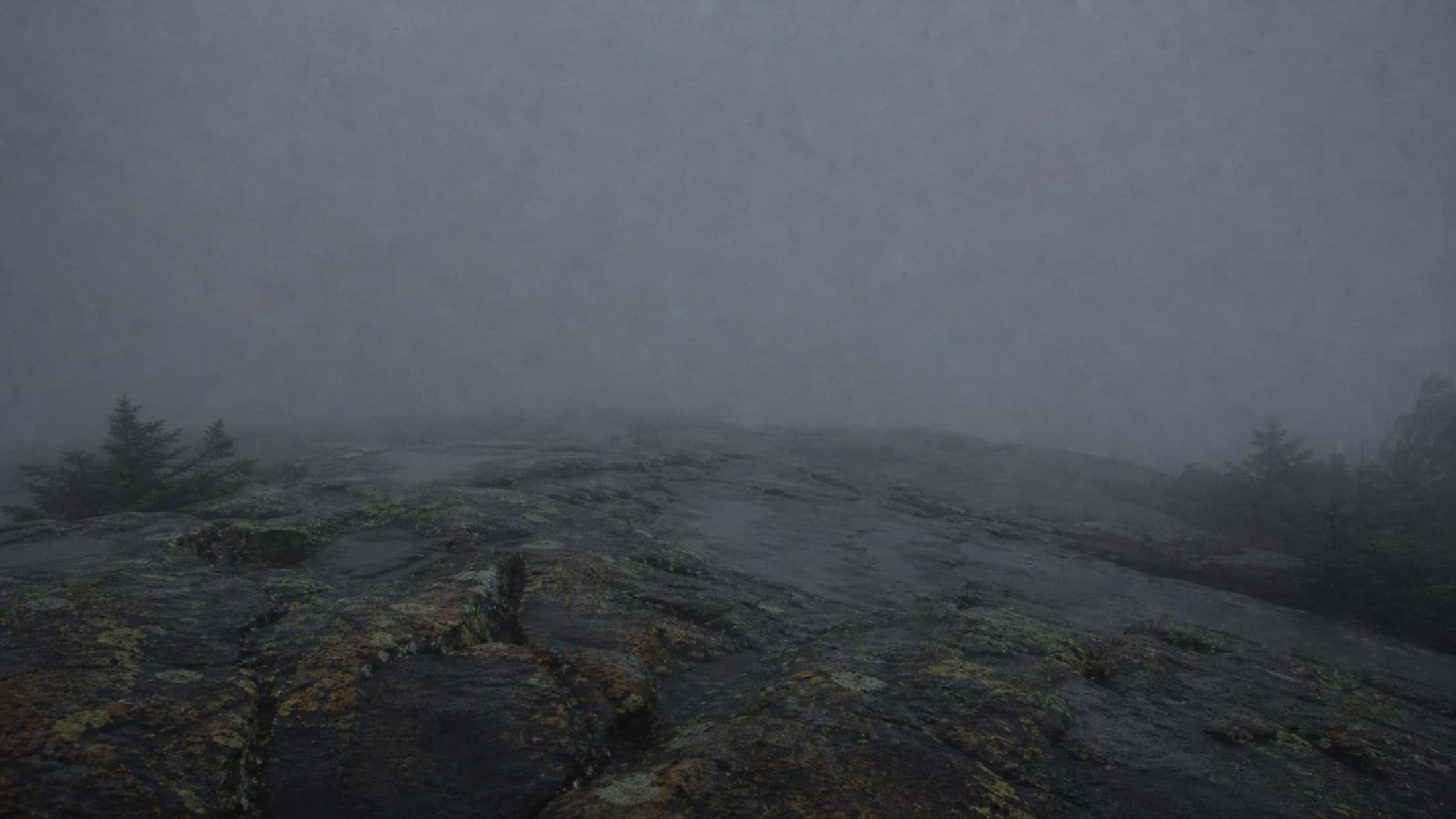
It works where you work
No signal at the bottom of the valley? The app keeps everything on the phone and sends it when the signal returns. An annotated photo, an inspection, a checklist, the day's time: what the crew enters in the woods reaches the office as is, with no notebook to copy out at night.

What is field work in Sentinel?
Field work is what the app does when nobody is at the office: report, annotate a map or a photo, inspect and check off from the phone, with or without a signal. Anything entered offline is kept on the device and syncs on its own once the signal is back.
- Replaces
- The notepad in your pocket, the photos retyped in the evening, and the voice notes nobody plays back.
- Where it happens
- On the phone in the field; visible on the web at the office as soon as it syncs.
See it in action, in two minutes
Cell coverage is a luxury — not a requirement
You report a task where there's no signal. The app tells you so, keeps everything on the phone — photos, location, notes — and sends it as soon as the signal returns. The Synchronization screen shows what went out, what's waiting, and what needs your attention.
- Tasks, structures, inspection reports, checklists and discussions can all be entered offline, photos included
- Sending resumes on its own when the signal comes back, with nothing to redo
- A "Sync all" button for when you want to push it through
When someone edited the same task while you were offline
You move a task to In Progress deep in the woods; back at the office, someone has already closed it. When the network returns, Sentinel overwrites nothing: it shows you, field by field, your value and the server's, and you choose which one to keep.
- Only the fields actually in conflict are shown
- Every other change goes through without asking you anything
- You can also discard your changes in one tap
A line on the map, a stroke on the photo
A word doesn't always say where the new line runs or which plank is split. On the phone, you draw on the task's map — a zone, a line, a point — or straight on the photo, and the annotation travels with the task.
- Annotate the map: zones, lines and points placed in the right spot
- Annotate a photo: a freehand stroke, in colour, over the image
- Voice dictation fills in the description when fingers are frozen
The network's data, already on the phone
Trails, structures, task and structure types, difficulties, folders: the app installs the network's data on the phone and keeps it up to date. In the woods, it already knows which trail you're on and which structures are around, without waiting for a signal.
- Seven data sets, each with its version
- A new version announces itself and installs in one tap
- The task attaches to the nearest trail, even offline
Hours logged in the woods, read at the office
The crew lead logs the day on the task — the duration, the participants, each with their role — right on the phone. At the office, timesheets group those hours by person, role, project or task, and the Excel export carries them to payroll or a grant.
- Time is tied to the task, not to a sheet filled in on Friday night
- One entry for the whole crew, each with their own duration
- Logging works offline and goes out when the signal returns
Available on iOS and Android
The same app, the same features on both platforms. Install it on your crew's phones today: the download is free.


iOS 16.4+ · Android 7.0+ · Free download
Frequently asked questions
How accurate is the GPS tracking?
That of the phone's GPS: a few metres in the open, more under dense forest cover. When you create a task, you see the position on the map and can move the marker before saving, then the task attaches to the nearest trail.
Does GPS tracking drain my phone battery?
Your position is followed while the app is open on screen, to place you on the map and attach your tasks to the right trail. It stops as soon as the app goes to the background: Sentinel never tracks your position when you're not using it.
Can I use GPS tracking without internet?
Yes. GPS works without cell service: you create geolocated tasks anywhere, and they sync to your team when the signal returns. Install the network's data before heading out — trails, structures, types — so it's already on the phone. The base map itself isn't downloaded in advance.
How long can the app stay offline?
Days, even weeks. As long as you don't reinstall the app, the data stays on your phone and syncs on the next connection.
Does the app drain the battery?
GPS only runs while the app is open on screen, never in the background. With the screen off or the app closed, it uses nothing to locate you.
Does it work on Android and iPhone?
Yes, both. Same features, same performance. Download from the App Store and the Google Play Store.
How does maintaining a motorized trail differ from a bike trail?
The corridor is wider, damage shows up as ruts and surface erosion rather than exposed roots, and built works — culverts, bridges, gates, regulatory signage — take a bigger share of the budget. In Trail Sentinel that means segment tasks rather than point markers for drainage and grading, a structure inventory with its inspection history, and exportable reports for landowners and grant applications.
How it's done, step by step
The documentation articles covering this feature, written for the person who uses it.
- 01Create a geolocated task in seconds from the field map, even without coverage.M
- 02Add zones, lines and photo points to a task's map so people see the size of the job before they head out.WM
- 03Draw freehand on a photo before attaching it to a task, a structure or a message.M
- 04What you can read and do without a connection, how the sync queue restarts on its own, and what happens when there's a conflict.M
- 05The seven reference sets Sentinel downloads onto your phone so the map works with no coverage, and how to force an update.M
- 06Check that position tracking is working, and set GPS accuracy — what it really changes about which trail a task gets attached to.M
The craft behind the tool
Guides from our blog on the work itself, built on agency and federation manuals.
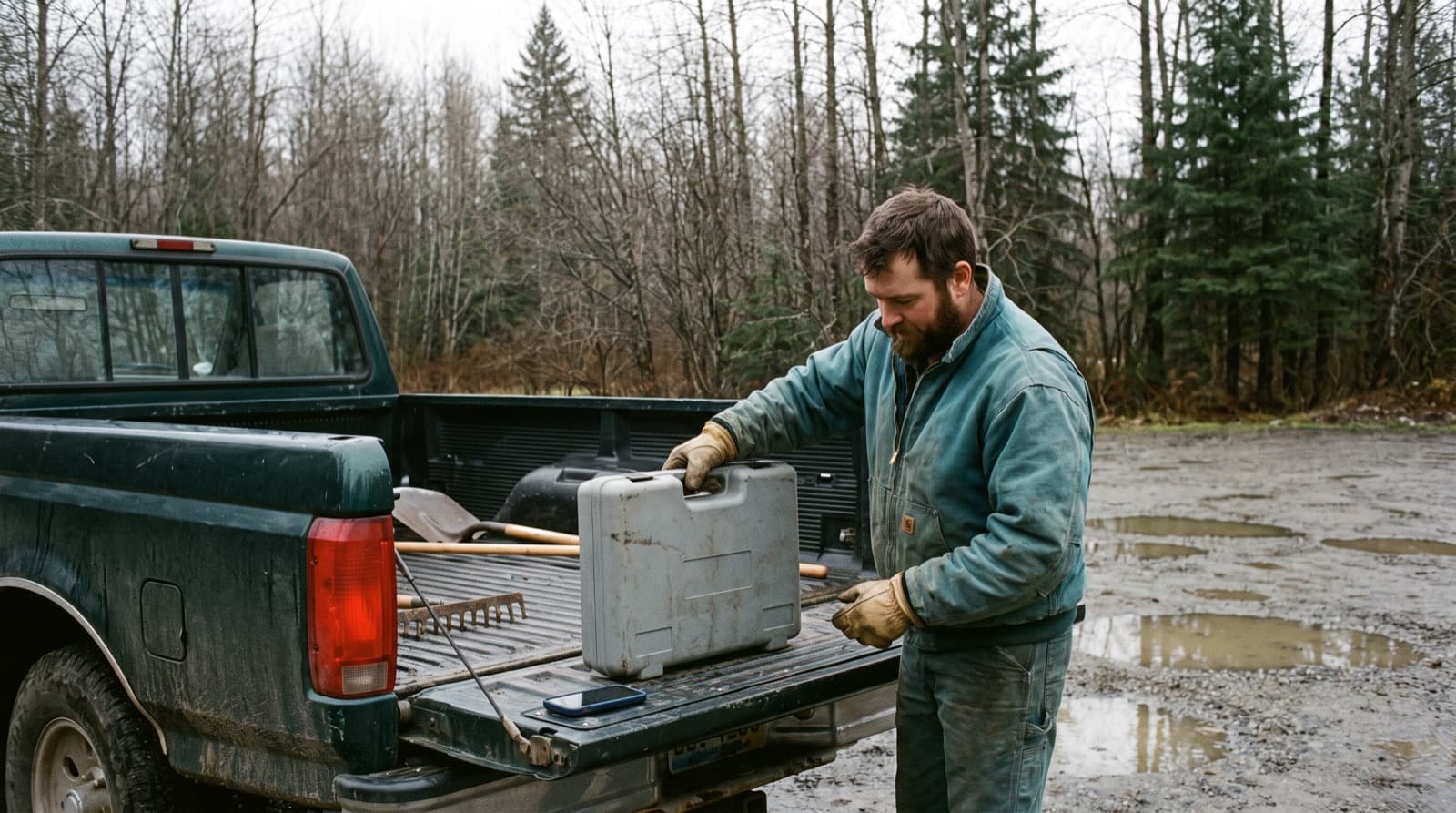
Stop driving out for nothing: how to get more done on your trails
Maintenance hours are scarce and every trip costs money. What a wasted trip costs, why outings fail, and four habits drawn from trail managers in Québec, the US and France so that every trip counts.
5 min · 9 sources
5 min
9 sources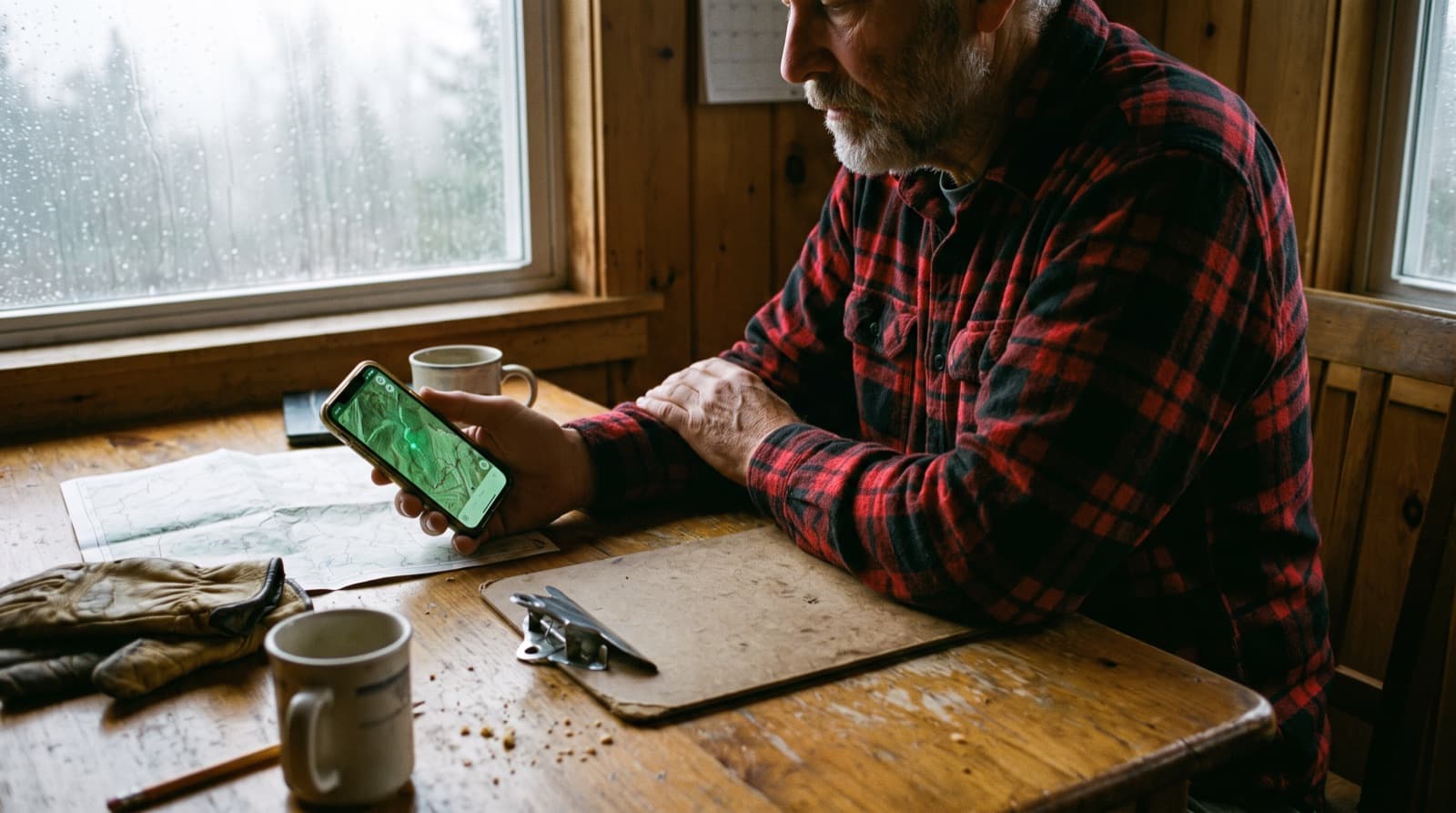
From paper to digital: what changes for trail organizations, and what gets in the way
What moving from paper and group chats to a mobile app actually changes for a trail organization, what went wrong elsewhere, and how to make the switch without losing the crew along the way. Examples from the US Forest Service, the Wildlands Conservancy and a University of Ottawa study.
5 min · 8 sources
5 min
8 sources
A field tool, not a repurposed office tool
Sentinel is built by people who've already spent a full day in the forest with a phone. Try it.