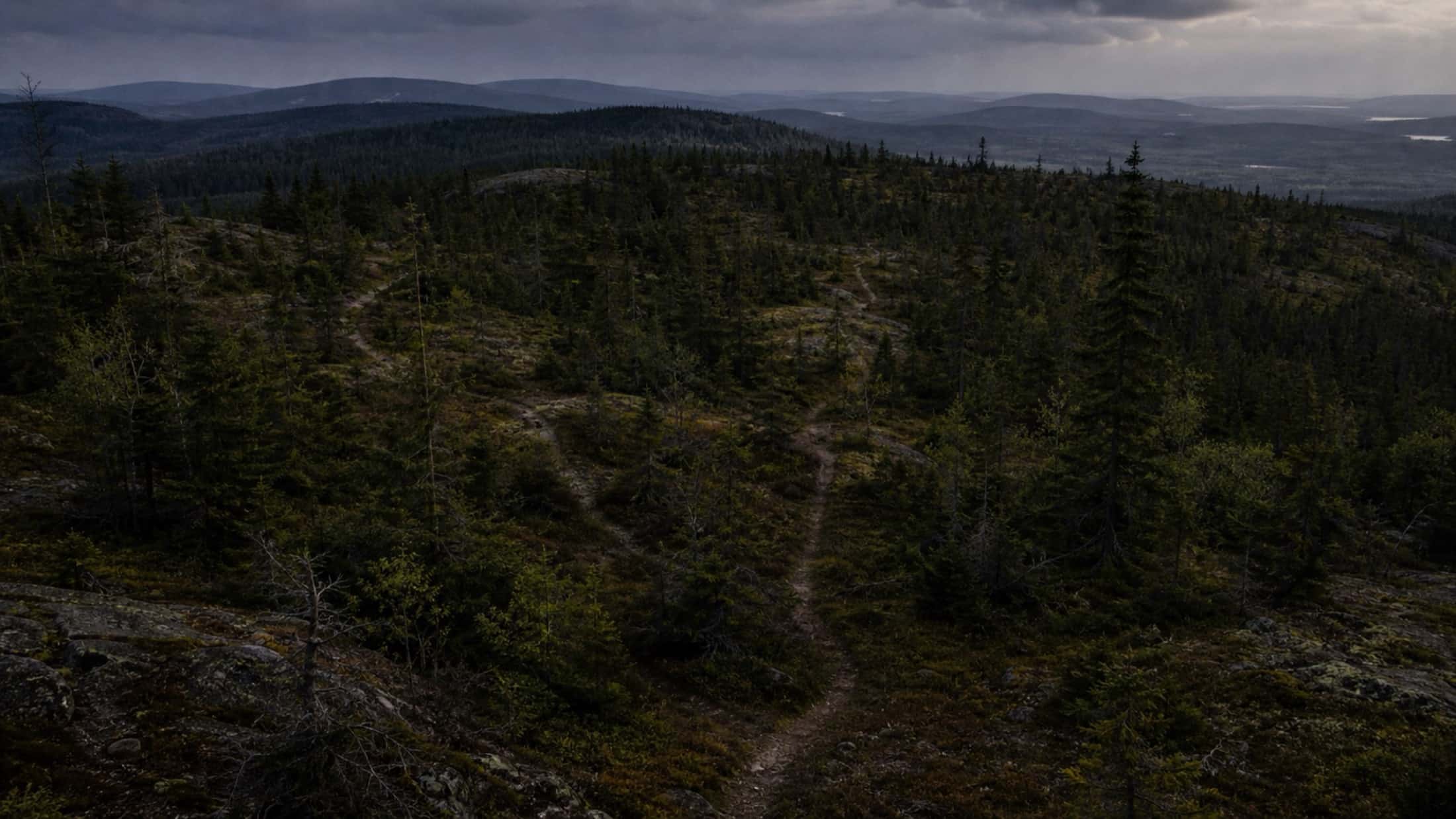
From scattered tasks to projects that move forward
A project gathers the tasks of one worksite, one season or one grant. Sentinel works out its progress, hours and status from the tasks themselves: when the crew finishes a task in the woods, the project moves forward at the office, with no spreadsheet to keep up.

What is a project in Sentinel?
A project groups tasks that belong together: a worksite, a season, a grant to report on. It has a name and a person in charge, and its progress — tasks completed, hours worked against hours estimated, status — is calculated from the real state of its tasks, never from a percentage typed by hand.
- Replaces
- The work-site tracking spreadsheet, kept alongside the real work and out of date by the second week.
- Where it happens
- Set up and tracked on the web, viewed and updated on the phone by the crews.
Every worksite, and where it stands
The project list sorts projects by status — New, Ready, In Progress, On Hold — and shows each one's person in charge and progress bar: 17 of 24 tasks done, 71%. Completed projects are hidden to keep the list readable, and come back with one setting when you need last year's worksite.
- One project per worksite, season or grant, with no limit on how many
- A person or a group in charge, visible right in the list
- Search by name, including completed projects
Tasks already reported drop in with a drag
A project's Add button opens the panel of tasks that don't belong to any project yet. Filter them by folder, type or date, then drag them into the status column you want. The same button creates a new task, a task from a photo or a plain to-do with no location, already attached to the project.
- From the Tasks section, a filter's results become a project: every matching task goes in at once
- A task belongs to only one project at a time, so progress stays accurate
- Photos, location and history follow the task into the project
Nobody updates progress by hand
A project's status is calculated from its tasks: it turns In Progress as soon as a task is started, and Done only when the last one is. Hours logged on tasks add up against the estimated hours. One deliberate exception: putting a project on hold, which you do yourself from the phone when a worksite is waiting on a permit, a budget or the thaw. The status then stays put until you lift it.
- No "almost done": 24 tasks out of 25 is still In Progress
- Time worked against time estimated, without estimating the project itself
- A conversation of its own, and a link to share from the phone
The end-of-season report is already done
A project's Statistics view shows its progress, estimated time, time spent and the tasks nobody has picked up yet, then the breakdown by status, priority and type, each member's workload and their hours. The project menu exports all its tasks and their time entries to an Excel file, the format funders expect.
- Unassigned tasks stand out in orange when a worksite starts
- Hours per member come from real time entries
- Viewing and exporting don't require the right to edit the project
The same project in the crew's pocket
On the phone, a project opens in three views: the map, where its trails stand out and the others fade, the list with its progress bars, and the kanban, one status column at a time. The app remembers each project's view, and a project you've already opened stays readable without a signal.
- The project's tasks on the map, to plan the trips
- One swipe moves a task to the next step
- The + button creates a task already attached to the project
Frequently asked questions
How many projects can we have in parallel?
No limit. You can have one project per worksite, one per season, one per grant — all at the same time.
Can a task belong to multiple projects?
No. Each task belongs to one project at a time, to keep progress clear. You can move it from one project to another if needed.
Can we manage a budget per project?
For now, Sentinel focuses on progress (tasks done versus total tasks) and time invested. Dollar-based budget tracking is not yet integrated — we're working on the next version.
Can we put a project on hold?
Yes, from the mobile app: the Edit project screen has a "Set this project on hold" switch. While it's on hold, the project's status stays put even if its tasks move forward. Lift the hold and the status is recalculated from the tasks right away.
How it's done, step by step
The documentation articles covering this feature, written for the person who uses it.
All documentationThe craft behind the tool
Guides from our blog on the work itself, built on agency and federation manuals.
All blog articles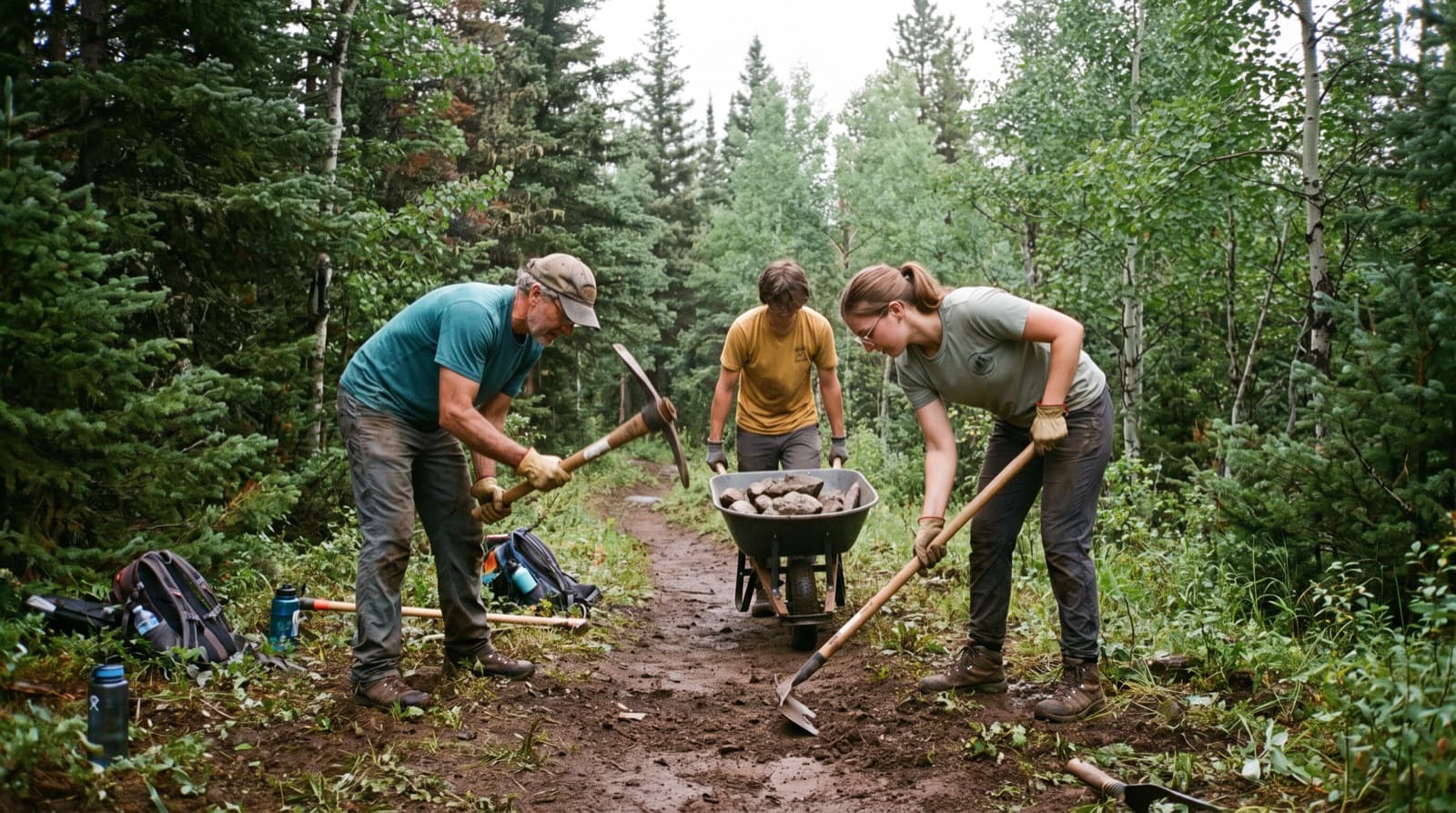
Move from reacting to planning
A well-kept network is a managed network — by worksite, by season, by crew.