
Your trail conditions, live and one-click shareable
Organize trails into boards by activity, group them by type with folders, and publish conditions live on your website. When your crews work in the field, the app can adjust conditions automatically — your visitors always see the right information.
What is a trail condition?
A trail condition is the publishable state of a trail at a given moment: open, closed, passable with care. Trails are grouped into boards by activity, and a board publishes as-is on your website. When a crew works in the field, the app can adjust the condition automatically.
- Replaces
- The web page updated by hand, the morning post on social media, and the phone calls asking whether the trail is open.
- Where it happens
- Kept up to date on the web and on the phone, read by the public on your own site.
See it in action, in two minutes
Multiple boards, an organization that fits your network
A single condition board is never enough. Your visitors search for a biking, hiking or skiing trail — each with its own set of paths. Sentinel lets you create as many boards as activities, and group the trails of each one by type using folders: enduro, cross-country, flow trail for mountain biking; beginner, intermediate, expert for skiing; and whatever your network requires.
- One board per activity — biking, hiking, skiing, fatbike
- Folders and sub-groups to classify trails by type or level
- Drag & drop to reorder, move a trail from one folder to another
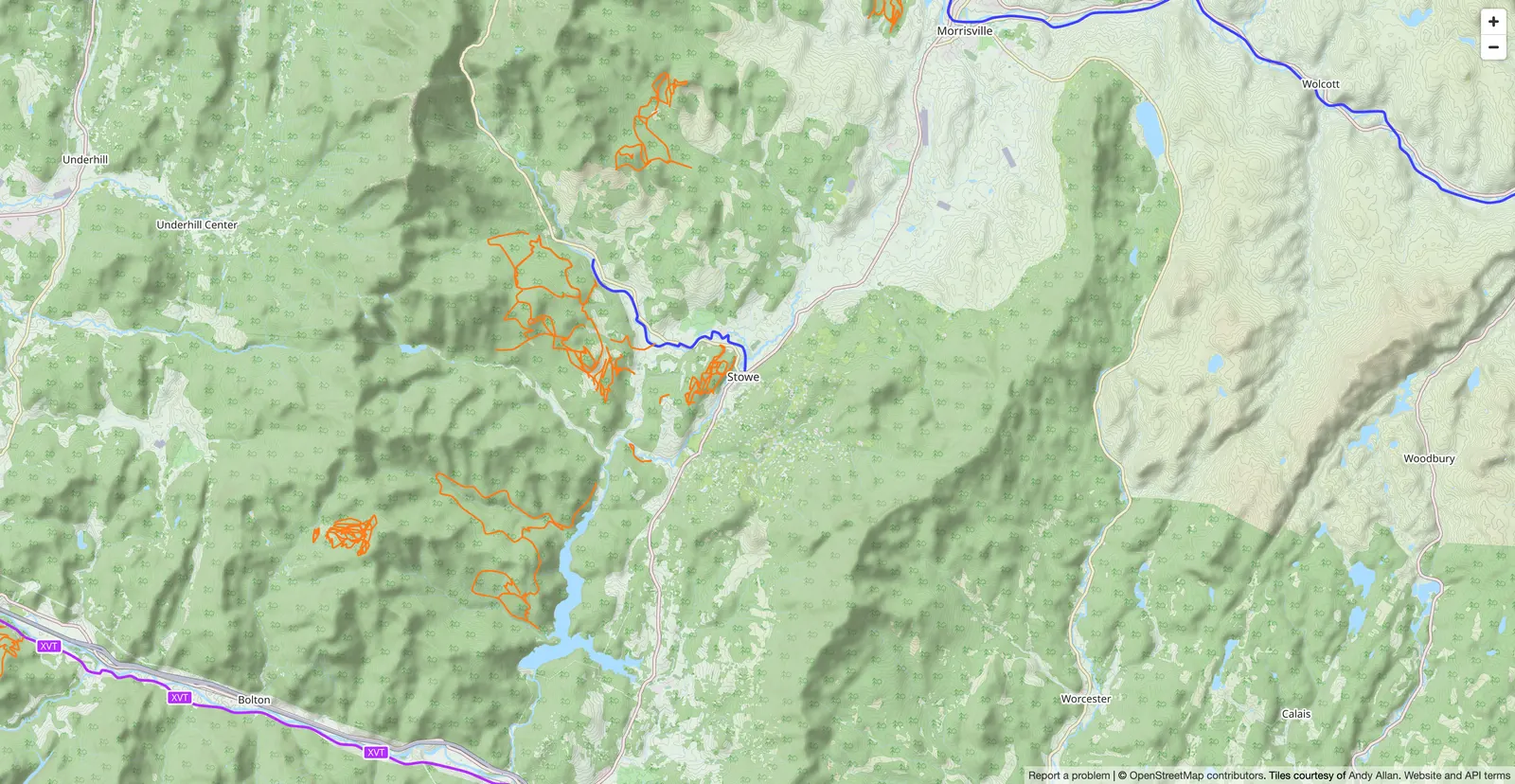
Your field tasks update conditions — no double data entry
A crew member arrives on a trail for drainage work. They mark their task as "In progress" on the mobile app. Sentinel immediately offers to update the trail to "Work in progress" on the public board. One tap, and your visitors see fresh information with the precise location of the work. No need to remember updating two places — the app handles it.
- The app suggests the update when a task starts on a trail
- Work location displayed publicly on the trail map
- Automatic return to "Open" when the task is completed
Display your conditions on your own website, in two lines of code
Trail conditions are critical information for your visitors — and a major communication asset. Sentinel generates a widget you paste on your website: two HTML tags, and conditions display live, updated automatically, in your brand colors. No API to set up, no manual updates, no transcription errors.
- 2-line code to paste — works with WordPress, Wix, Squarespace, custom code
- Customizable: colors, header, trail map, language
- 100% synced with your Sentinel board — only one place to maintain
See the widget in action
Here's a real trail-conditions board published as a widget, embedded in a website page. It updates on its own — exactly what your visitors will see.
Check conditions before you head out — information is updated automatically by our crews.
Everything you need to communicate the state of your network
Flexible boards, by activity
Create as many boards as activities, organize each board by folders (type, level, sector). The structure fits your network, not an imposed model.
Synced with your field
When your crews start a task on a trail, the app offers to update the condition. The trail switches to work mode automatically, with the exact location of the worksite.
Embeddable public widget
Two lines of code and conditions show up on your site. Live updates, customizable, bilingual. Only one place to manage.
Frequently asked questions
Can I create multiple condition boards?
Yes. You create as many boards as activities — mountain biking, hiking, cross-country skiing, fatbike. Within each board, you group your trails by type or level using folders (enduro, cross-country, flow trail, for example). It's your network, your structure.
What statuses can I apply to a trail?
Three simple statuses: Open (trail rideable), Work in progress (active maintenance, with optional location) and Closed (inaccessible). You can also apply a status to an entire folder in one move — handy at season start and end.
Do conditions update automatically when someone works on a trail?
When a crew member sets a task to "In progress" on a trail, the app offers to flip the trail condition to "Work in progress". One tap, and your visitors see the update, with the work location pinpointed on the trail. When the task is completed, the app can also suggest reopening the trail. You stay in control, the app handles the reminders.
How do I embed the condition widget on my website?
You copy two HTML tags generated by Sentinel and paste them on any page of your site — WordPress, Wix, Squarespace, custom code. The widget shows up, updates automatically, and you can customize it: header colors, language (French or English), map display, shadows, rounded corners. No API to manage. And on platforms that block external scripts (SharePoint, strict-security intranets), an iframe version embeds with a single link.
Can I manage a summer network and a winter network in the same account?
Yes, and that is the normal setup. Each activity is a watertight partition: its trails, tasks, structures, types and condition board belong to it alone. A club that maintains bike trails in summer and snowmobile trails in winter switches on both activities and moves between them — the summer map never shows the winter routes, and the analytics never mix the two seasons.
How it's done, step by step
The documentation articles covering this feature, written for the person who uses it.
All documentationGive your visitors the information they need
Clear condition boards, synced with your field and published live on your website. One more piece of always-fresh info, zero extra effort for your team.