
Your structures inspected, documented, reported — your way
A structure is a fixed asset on your network — a bridge, a drain, a sign, a boardwalk — recorded at its location, with its history. You write the questionnaire, the crew inspects on site, and the risk level, the next visit date and the PDF report follow from it.

What is a structure and an inspection report?
A structure is a fixed asset on your network — bridge, boardwalk, stairs, lookout, sign — inventoried with its position and its history. An inspection report is the questionnaire you defined yourself, filled in on site on a given date: every answer is kept, and you either export an official PDF or simply keep the record in the app.
- Replaces
- The inspection binder, the paper form that has to be retyped back at the office, and the memory of whoever was there last year.
- Where it happens
- Questionnaires defined on the web, inspections filled in on the phone in front of the structure.
See it in action, in two minutes
Every asset gets its record, and its name is already filled in
On the phone: the + button on the Field screen, the asset type, the location — the structure is created where you stand, even without signal. Four types come built in — bridge, drain, sign, jump — and you add your own: boardwalk, stairs, lookout. A numbering rule fills in the name for you: PV-001, PV-002, on each trail.
- 4 predefined types, and as many custom types as your network needs
- The name fills itself in, numbered per trail
- Created from the office too, from a geotagged photo
You write the questionnaire
For each asset type, you write the points to check — decking condition, anchors, railings. Each question has a weight, and the ones that bear on safety are marked as such. The whole crew uses the same grid, so inspections compare from one year to the next.
- One grid per structure type, or none for a simple asset
- Four levels of importance per question
- The safety question: a single “Critical” rating puts the asset at high risk
One question per screen, an answer you can prove
The inspector picks the nearest structure, then answers one question at a time: Critical, Moderate, Low, None, or not applicable. Each answer takes a comment — dictated, if your hands are busy — plus photos and a voice memo. At the bottom of a ravine with no signal, the report waits on the phone and goes out once you're back in coverage.
- Four risk ratings, plus “not applicable”
- Photos and voice memos attached to the question, not dumped on the report
- Works without signal
The risk level isn't decided, it's calculated
When the report is saved, the answers produce a score, and the score a level: no risk, low, medium or high. That level becomes the structure's status, seen by the whole team on the map, in the list and on the kanban. To change it you need a new inspection — dragging a card to another column won't do it.
- Five states: no risk, low, medium, high, and not evaluated
- The status always comes from a dated report, with its author
- The risk color on every asset, everywhere in the app
The next inspection is already on the calendar
An asset in good shape comes back in twelve months, a high-risk one in one month: automatic scheduling sets the date from the risk it got. The Calendar view shows what falls due each month and what is overdue. Anyone who wants it gets the list of upcoming inspections by email, daily, weekly or monthly.
- Delays set per risk level, for each asset type
- Overdue inspections stand out at a glance
- An email reminder, at the pace you choose
A history that holds up, a PDF that goes out as is
Every structure keeps its reports, grouped by year, and a report can't be edited: it's a dated record. For the insurer, the municipality or the funder, export the PDF of one report, or of a batch of 50 structures with their latest report: your organization's logo, the score, color-coded answers, the photos. Subscribed members also get the PDF by email with every new report.
- The PDF of one report, or of a batch of 50 structures
- The PDF emailed with every new report, to whoever asks for it
- The full inventory in Excel: last inspection, score, next date, overdue
Frequently asked questions
What does Sentinel consider a "structure"?
Any fixed asset on your network that gets inspected at regular intervals. Four types come built in — bridge, drain, sign, jump — and you add your own: boardwalk, stairs, lookout, shelter. Each type has its name, its icon and the activities it shows up in.
Can I create my own inspection forms with my own questions?
Yes, one questionnaire per structure type. Each question is rated on four risk levels — Critical, Moderate, Low, None — or “not applicable”, with a comment, photos and a voice memo. You give each question a weight and mark the ones that bear on safety.
Do I have to fill out a form to document an inspection?
No. An asset type can have no questionnaire: the report then comes down to a comment, photos, and a risk level picked by hand. The questionnaire helps when it's useful; the simple report is enough for an asset that doesn't warrant a grid.
Are the PDF reports branded with my organization?
Yes. Your place's logo appears at the top of the PDF, with the structure, its score, the color-coded answers and the photos. It's ready to use for your partners, insurers, grant applications — no rework in Word needed.
Which plans include structures and inspection reports?
The Community and Pro plans. The Field and Standard plans don't include them.
How does maintaining a motorized trail differ from a bike trail?
The corridor is wider, damage shows up as ruts and surface erosion rather than exposed roots, and built works — culverts, bridges, gates, regulatory signage — take a bigger share of the budget. In Trail Sentinel that means segment tasks rather than point markers for drainage and grading, a structure inventory with its inspection history, and exportable reports for landowners and grant applications.
How it's done, step by step
The documentation articles covering this feature, written for the person who uses it.
- 01List your assets, inspect them, and turn every inspection into a risk rating, a return date and a PDF.WM
- 02Define your structure types, write the questionnaire that scores them, set automatic rescheduling and the PV-001, PV-002 numbering.WM
The craft behind the tool
Guides from our blog on the work itself, built on agency and federation manuals.
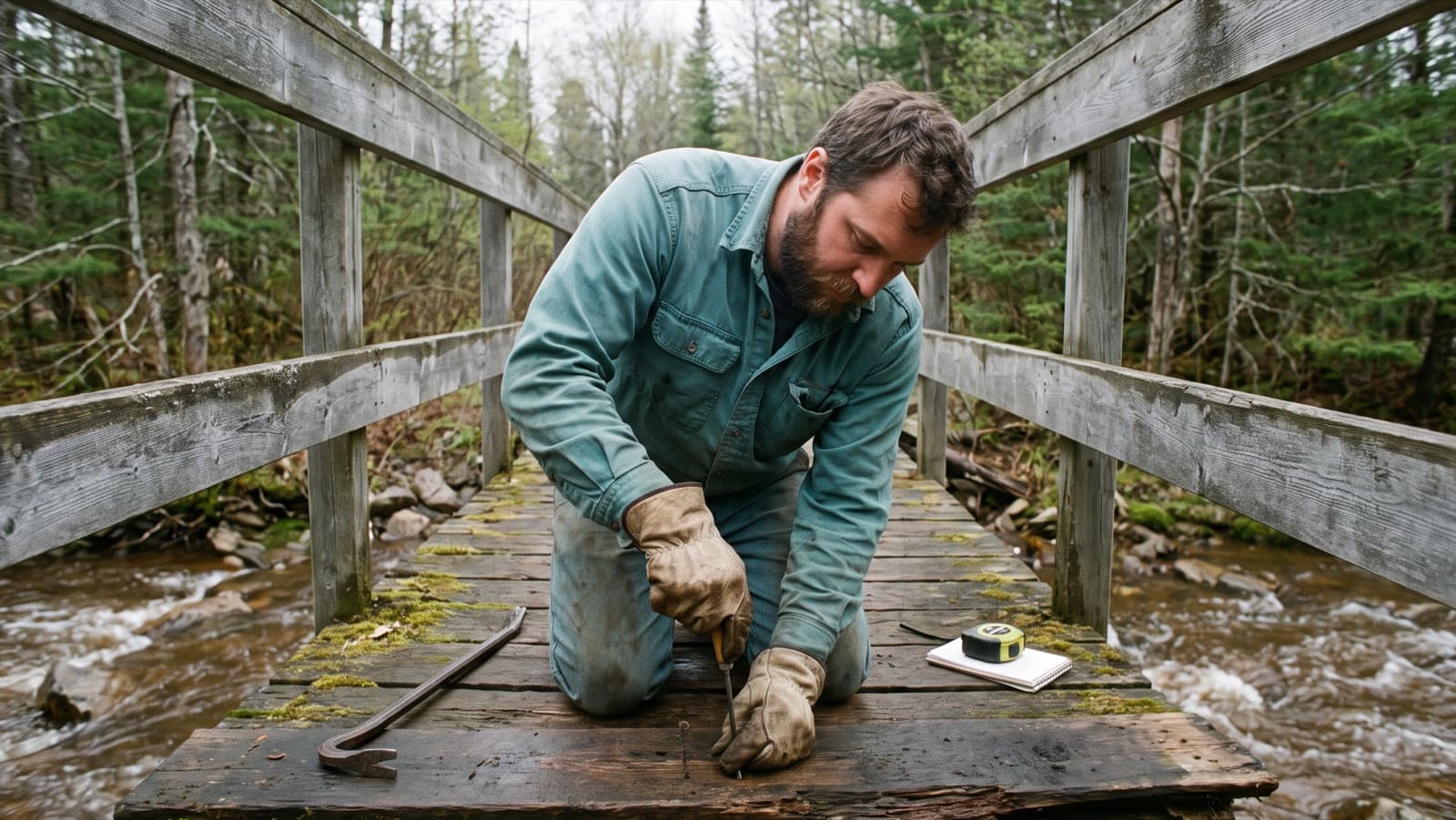
Inspecting trail structures: bridges, boardwalks and features
What the Cave Creek disaster taught trail managers, how often the US Forest Service and New Zealand's Department of Conservation inspect their structures, what to look for on a wooden footbridge, and why the record matters.
7 min · 10 sources
7 min
10 sources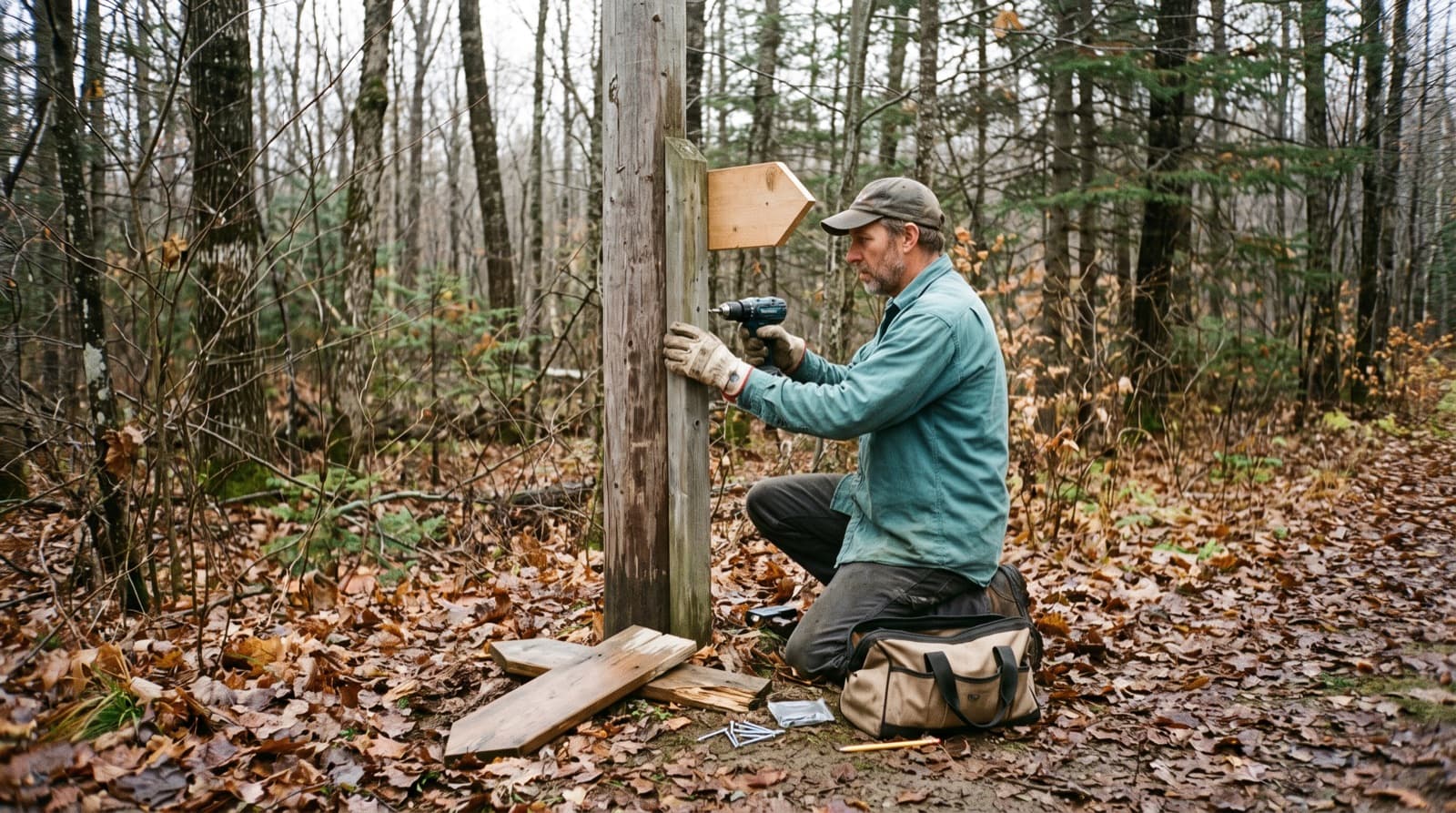
Trail signage: types, placement and keeping an inventory
What the US Forest Service, Trans Canada Trail, Vélo Québec and the French hiking federation say about trail signs and blazes: where to put them, how high, how long they last, and how to keep track of them.
8 min · 11 sources
8 min
11 sources
Stop losing the memory of your structures
A living inventory, guided inspections when needed, official reports when you need them. The rest of the time, your team works — you never lose a single piece of data.