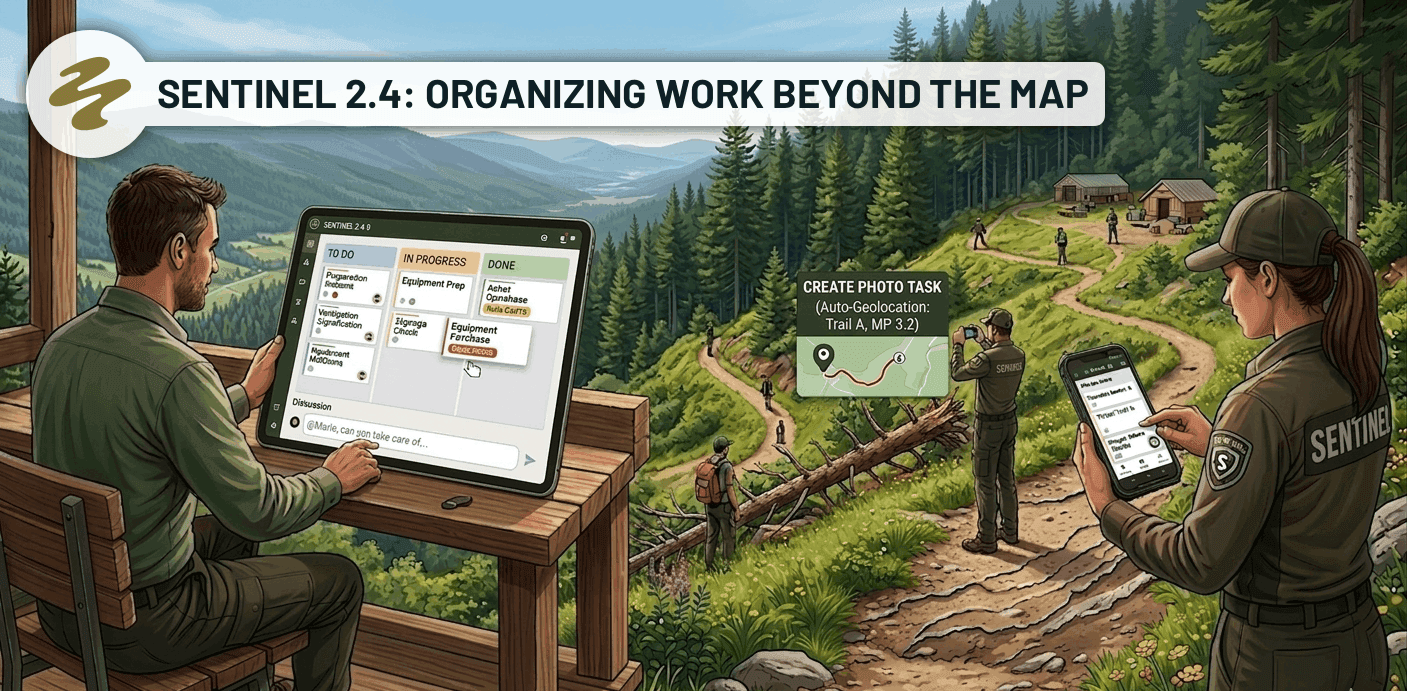
Organizing work beyond the map
Sentinel 2.4 simplifies how your team organizes its work by introducing a new way to manage the tasks that don't happen on the field.
A new type of task — A task can now exist without a point on the map, for anything that doesn't tie to a specific spot: preparation, administrative follow-ups, purchases, planning, communication. These tasks include a description, one or more assignees, an optional due date, and can hold photos, audio memos, and files.
"Planning" section — A new Kanban view designed for managers, providing a quick overview of all members and groups. It lets you organize the tasks assigned to each person — by day, by week, or however you need — and manage the team's workload from a single place.
"My Planning" section — Each user now has their own personal Kanban view, bringing together all tasks assigned to them, whether geolocated or not. At a glance, they can see what needs to be done, what's in progress, and what's completed, without having to filter through the global lists.
Kanban view in projects (mobile) — In addition to the map and list views, projects now offer a Kanban view on mobile. It groups tasks with the assignee's name shown directly on each card, making it easier to manage projects from the field.
User Groups
You can now create groups to structure your team (for example: patrollers, mechanics, inspection crew). A task or project can be assigned to a group or to a user, making it simpler to distribute work without having to pick each person individually. Each group has its own planning view, and group management is controlled by a dedicated permission.
@-Mentions in Discussions
When writing a message in a discussion, typing @ now opens an autocomplete that suggests your teammates. A mention
notifies the person directly, ensuring they see the message without having to watch the thread.
Discussions on Mobile
The discussion system has been redesigned on mobile for a better experience. The discussion icon in the top bar now opens a list of all active discussions by task, instead of redirecting to notifications. You can easily follow ongoing conversations and pick up right where you left off, just like on the web version.
Task Creation from Photo
You can now create a task directly from a photo. When the photo contains geolocation data, Sentinel automatically detects the trail and positions the task at the exact spot where the photo was taken. For example, a visitor reports a fallen tree and hands you their photo — just import it and the task is placed at the right location on the trail, with no manual search required.