Knowing how far the brushing got
A checkbox says "done" or "not done". But brushing a long trail rarely happens in one go: a stretch today, the rest next week. In between, the trail shows 0%.
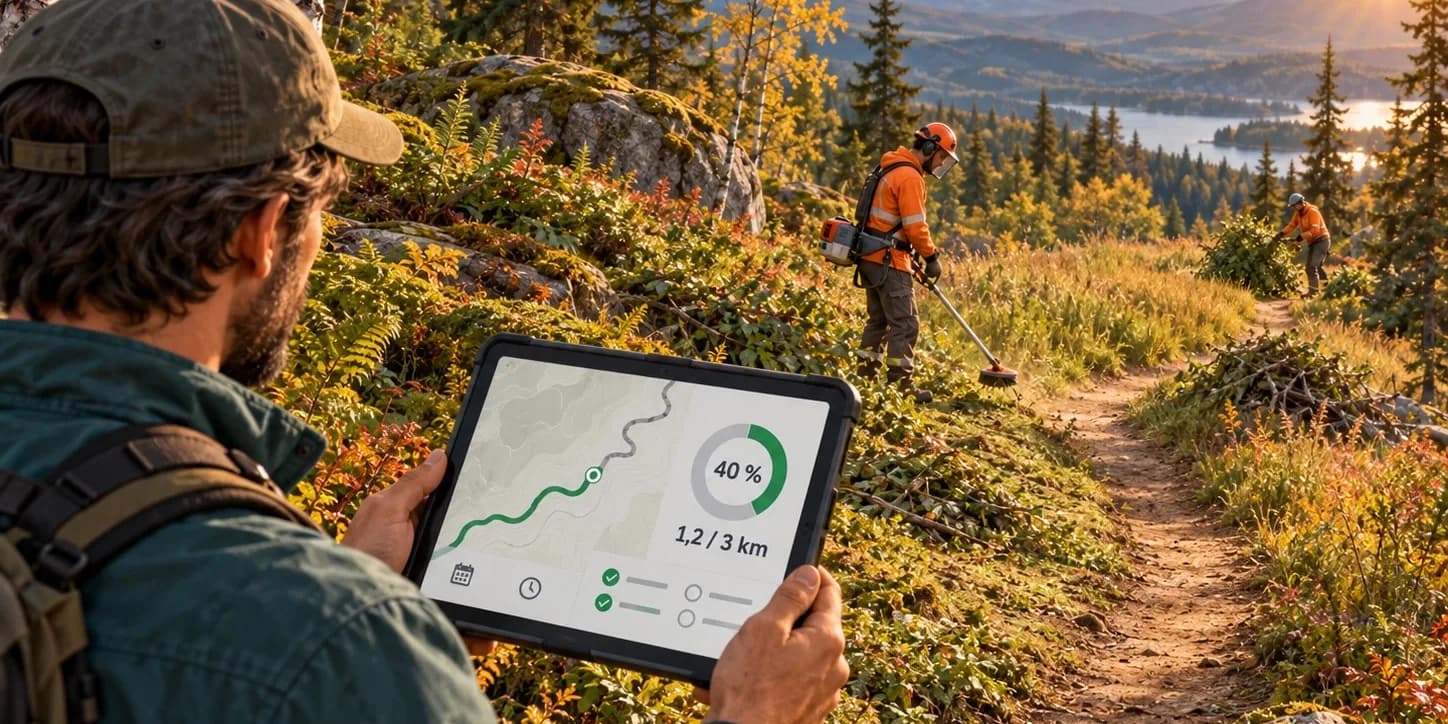
With Sentinel 3.2.0, a checklist item can be measured along the trail: it fills up with the share done, and a map shows the finished stretch.
A ring instead of a box — In the matrix, a measured item fills up like a ring. Hover it and the trail map shows what is done.
Drawn on the map, at the office and in the field — On the web, you drag two markers along the trail. On mobile, I'm here marks the spot you have reached, even without coverage.
Work under way finally counts in the checklist's progress, and the same item can be measured on a long trail and simply ticked on a short one.
A checklist that comes back forms a series
A repeating checklist no longer fills the list with identical copies: its relaunches now form a series, numbered #1, #2, #3…
One row, one page to see it all — In the list, the series fits on one row. Its page puts every occurrence side by side and shows, for each trail, whether the work was really done every time.
From one occurrence to the next — Arrows take you to the previous or next one, on the web as well as on mobile. The next relaunch shows its day and time, and appears for everyone without reloading the page.
A launched checklist adjusts
A checklist is no longer frozen at launch. Creating and editing happen in a side panel, with no steps to work through.
Trails added or removed — You can add or remove trails after the fact. A trail where work is already recorded stays protected, so nothing gets lost.
What does not concern a trail — Trail 27 has no signs? Set that item aside for that trail: it drops out of the count, and the trail can finally reach 100%. The setting carries over from one relaunch to the next.
What the season opening cost
Time can now be logged on checklists, with the same work roles and rates as on tasks — on a whole trail or on specific items, at the office or in the field.
The checklist shows its total hours and its cost, for the roles allowed to see it. It also goes out to Excel, on its own or with its whole series: an easy answer to "what did the season opening cost us?".